The Biggest Benefits of Custom GPTs
AI projects often lack the depth your internal processes need. Custom GPTs turn ChatGPT into a specialist for exactly the way you work.
· 5 min
AI projects tend to fizzle out at the same point in day-to-day work: the model can do almost anything, but none of it fits your internal processes exactly. A standard model gives you breadth, not depth for the way you actually work. That's exactly where custom GPTs come in. They turn ChatGPT's general skills into a specialized system that sticks to your rules.
The current debate about AI integration stopped being about "whether" a long time ago, it's about how the application is structured. The model behind ChatGPT gets swapped out regularly: GPT-5 became GPT-5.2 in February 2026, GPT-5.5 from April, and since July 2026 GPT-5.6 has been rolling out, while GPT-5.5 Instant stays the default in everyday chat for now. The focus is moving away from the plain chatbot toward assistants that understand complex contexts and take over entire steps of work.
What sets a custom GPT apart from the standard version
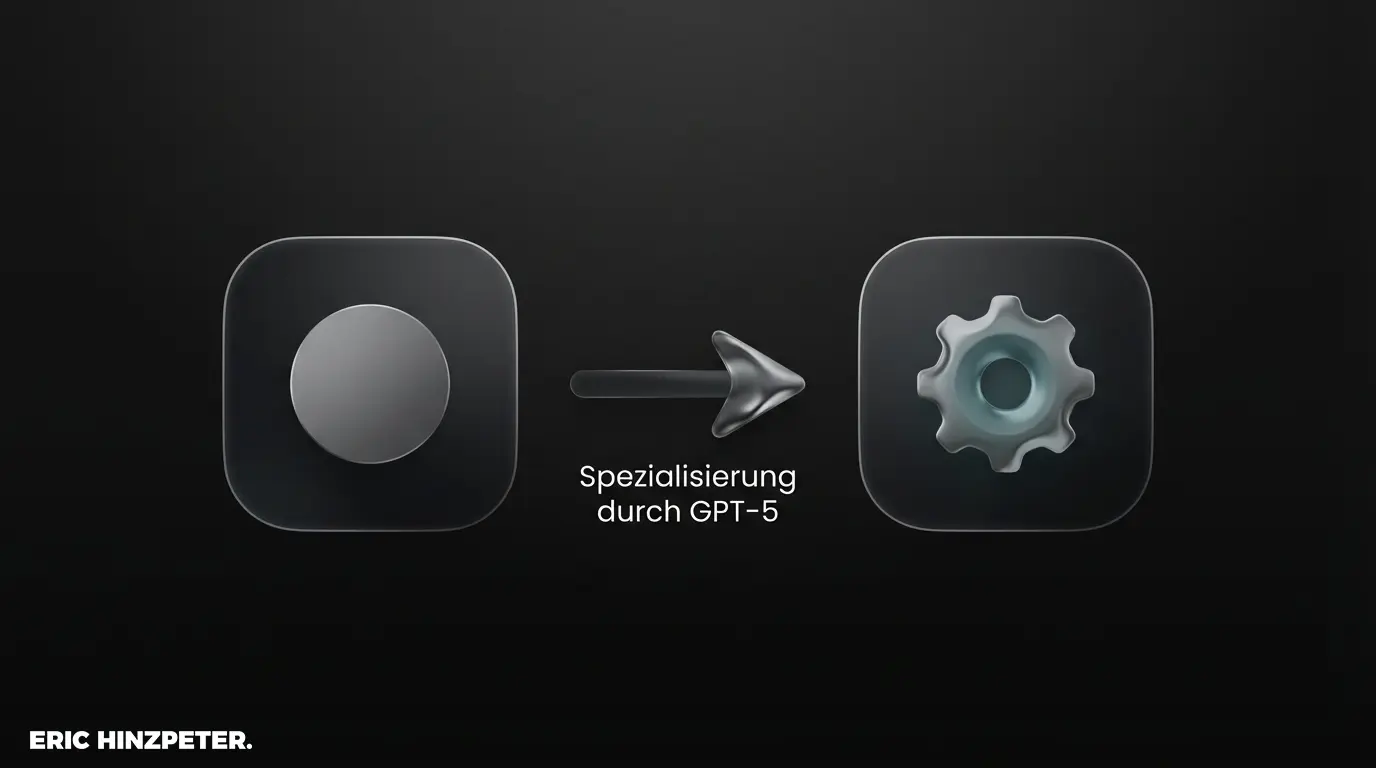
Technically, a custom GPT is an isolated instance of ChatGPT, configured for a single, clearly defined use case. The standard chat is a generalist, a custom GPT is a specialist. You set its knowledge, its capabilities and how much room it has to act through precise instructions.
These systems run on the same model as the rest of ChatGPT, but they only draw on your own protected data. The real advantage is staying in context: a custom GPT doesn't break character, it applies the logic you defined to every single request. To build one at all, you need a paid ChatGPT account, and in Team and Enterprise workspaces your admin also decides who's allowed to create custom GPTs.
If you want to understand in more depth how the model processes information, the glossary has an explanation of tokens and LLMs.
Why your own GPTs pay off for companies
Building your own GPT isn't a technical gimmick, it's a question of efficiency. Four points make the biggest difference.
1. Automate processes
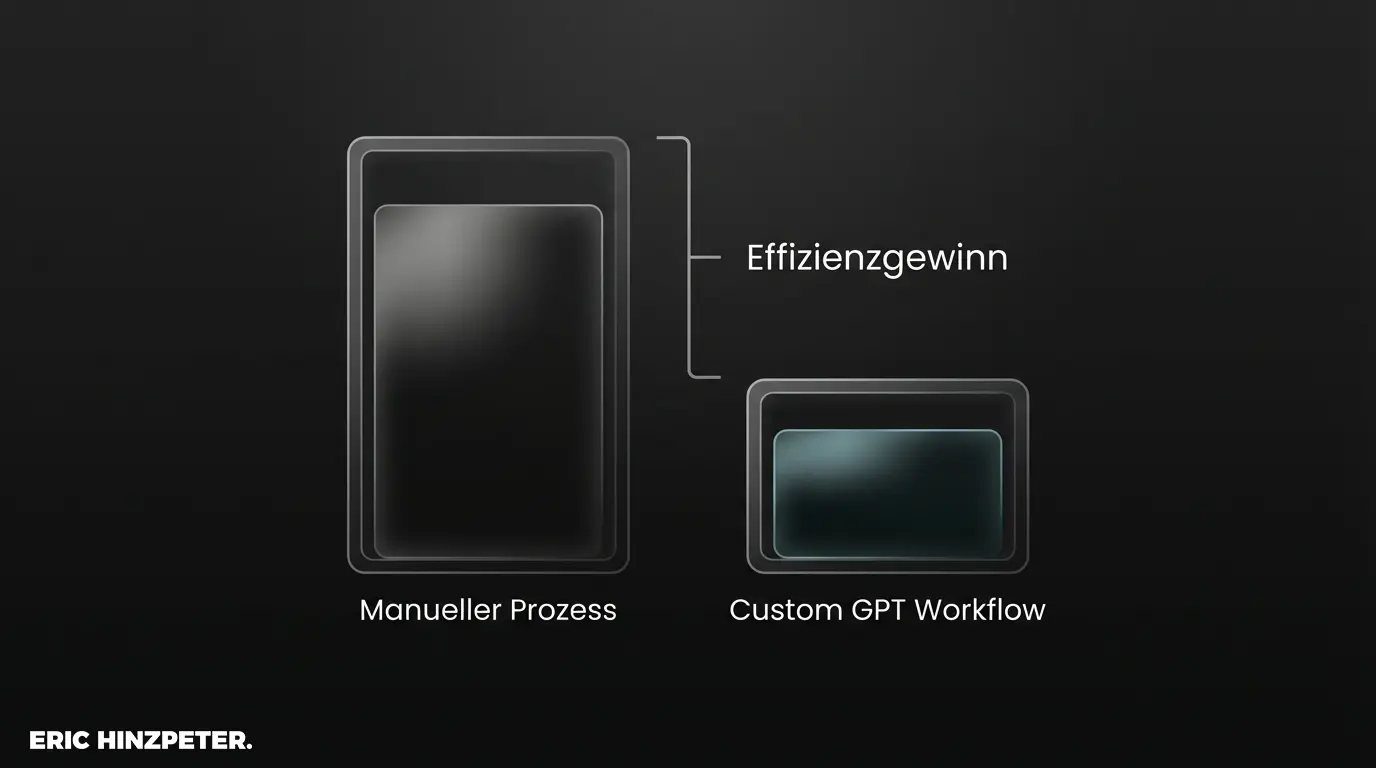
Once it's configured properly, a custom GPT takes over the manual effort for recurring tasks, whether that's analyzing reports or putting together standard documents. Productivity goes up because you don't have to brief the system again before every task.
2. Use your own knowledge base
Unlike the public model, a custom GPT draws on your own knowledge base. Through documentation or datasets you upload, the model gives you answers based on your own data instead of general guesses. According to OpenAI you can store up to 20 files of up to 512 MB each.
3. Data privacy, looked at closely
Whether your data goes into training depends on your account. With ChatGPT Free and Plus, OpenAI may use conversations with your GPT to improve its models by default, but you can switch that off under Settings and Data controls. With the API, ChatGPT Business and Enterprise, training on your data is off from the start. As the builder, you also never see the individual conversations other people have with your GPT.
4. Get by without code
Thanks to the no-code approach, you can put this logic in place without IT resources. Your system prompts make sure the results stay consistent: the output follows the quality standards you set yourself.
Pro tip: set clear limits
Current models are moving toward agentic AI, which structures tasks more and more on its own. If you want to understand the difference between a simple assistant and a real agent in more detail, take a look at my comparison of AI assistant and AI agent. Define clear limits in your instructions so you keep operational control.
How to build your own GPT
The real challenge isn't using the builder, it's configuring the logic precisely. Here's how to go about it step by step.
Step 1: open the builder
In the ChatGPT menu, open "Explore GPTs" and pick "Create". The conversational builder helps you get started: you describe what you want, and ChatGPT turns that into a first draft.
Step 2: write clear instructions
Switch to the "Configure" tab and put your system prompt there. The more precise, the better: "You are a technical analyst. Answer only on the basis of the uploaded documentation." There's more on this in the prompting basics.
Step 3: upload knowledge and turn on capabilities
Under "Knowledge" you upload your reference files. Under Capabilities you switch on what you need: web search for current information, Code Interpreter & Data Analysis for crunching data, Canvas for longer text drafts, or image generation if your GPT should create graphics too.
Step 4: connect external tools through Actions
Through "Actions" you hook external software up to your GPT. Only then does a chatbot become a real workflow tool that, for example, checks CRM entries or manages appointments. A GPT can use either apps or Actions, not both at the same time.
Pro tip: test Actions safely
With Actions, always start with read requests before you allow write requests. That way you avoid unwanted changes to your live systems while you're still testing.
Where custom GPTs help day to day
Current models allow a level of abstraction that goes far beyond just producing text. Three examples from practice:
- Editorial: a GPT knows your style guide by heart and checks every new text against it.
- Data analysis: with the Code Interpreter you can visualize datasets and spot trends without having to code.
- Support: as an internal onboarding buddy, the GPT finds its way through wikis and hands you the right procedure right away.
How to steer cases like these in practice is covered in my piece on prompt engineering.
If you start translating your processes into this logic today, in a few months you'll have a GPT that takes some of the same old work off your plate. If you want to compare ChatGPT and Claude directly in everyday use, my hands-on comparison of ChatGPT and Claude gives you an honest take on which model suits what.
FAQ
- What exactly is a custom GPT?
- Your own version of ChatGPT, configured for a single, clearly defined task. It runs on the same model as the standard chat, but it sticks strictly to your instructions and only uses the data you give it, instead of improvising from scratch with every request.
- Do I need to know how to code to build a custom GPT?
- No. The GPT Builder is no-code: you write the logic as text, upload reference files under Knowledge and optionally connect external tools through Actions. The real work is precise wording, not programming. You do need a paid ChatGPT account.
- Does my data end up in OpenAI's training?
- It depends on your account. With ChatGPT Free and Plus, OpenAI can use conversations with your GPT for training by default, but you can switch that off in the data controls. With the API, ChatGPT Business and Enterprise, training on your data is turned off from the start.

Eric Hinzpeter
Eric Hinzpeter, Senior B2B Content Strategist. He builds AI agents and marketing automation for production use and writes up what comes out of it here.