NOTE· 2026-01-31· 3 min
OpenClaw: The Complete Guide to the Local AI Agent (2026)
OpenClaw started as a WhatsApp relay and grew into a local architecture for autonomous agents. How it holds up and where the real security risks sit.
OpenClaw (formerly Clawdbot) started as a simple WhatsApp relay and collected over 100,000 stars on GitHub in no time. By now it has grown into a local architecture for autonomous agents. This guide looks at how well the system works in practice and where the real security risks sit.
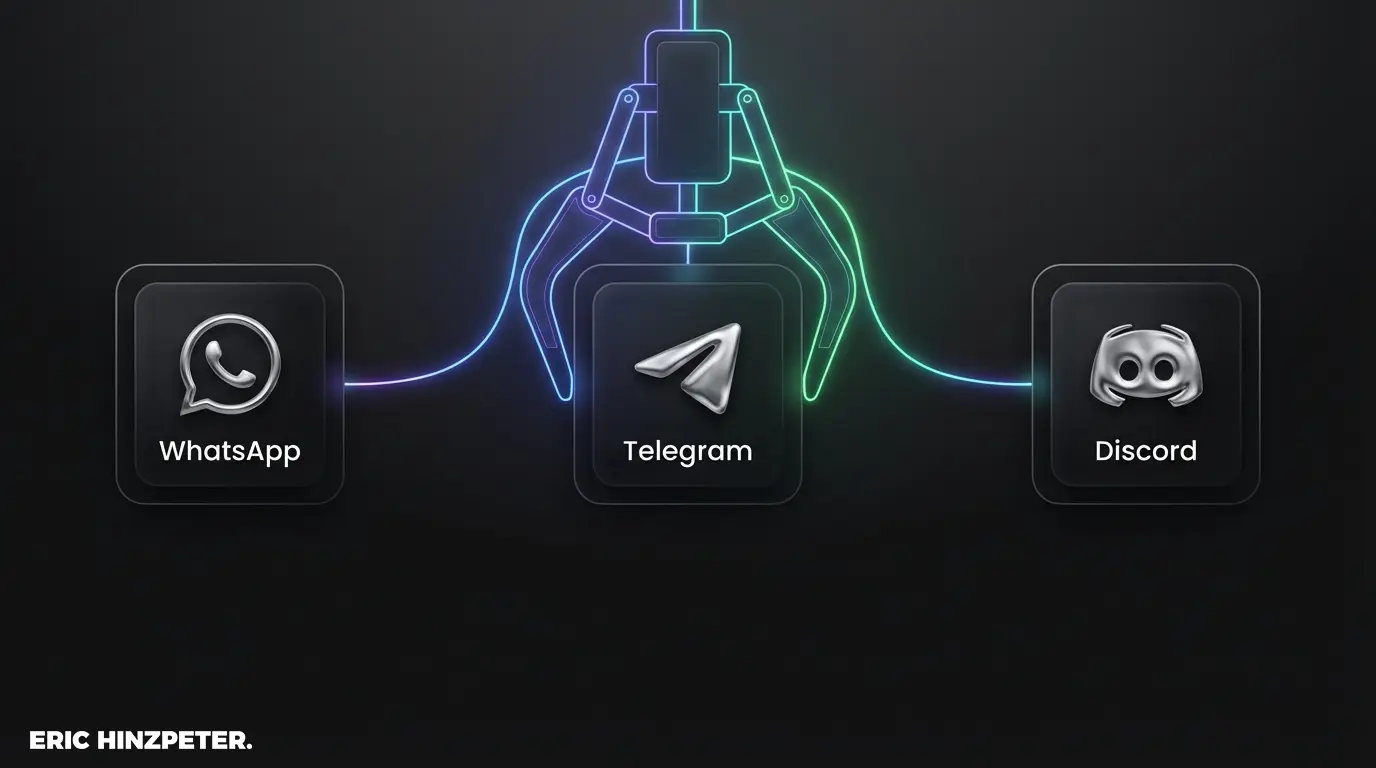
What OpenClaw does differently
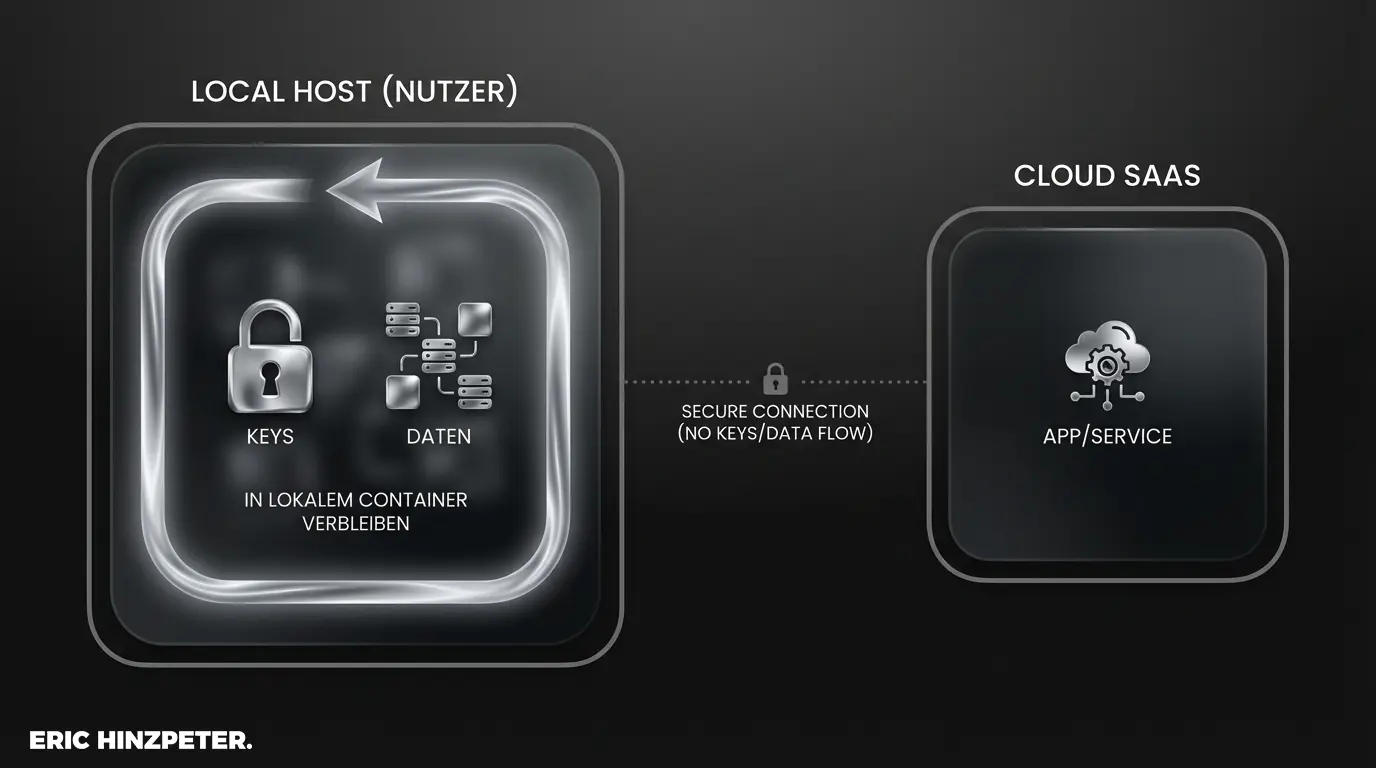
OpenClaw is an "open agent platform" for your own hardware. It's a counter-design to the usual SaaS solutions where your data lives on someone else's servers. The system doesn't only wait for chat input. It executes tasks actively inside your infrastructure. Your hardware, your API keys, your data.
If you want to understand the technical difference between a simple chatbot and an autonomous system, my article on the difference between AI assistants and agents covers it.
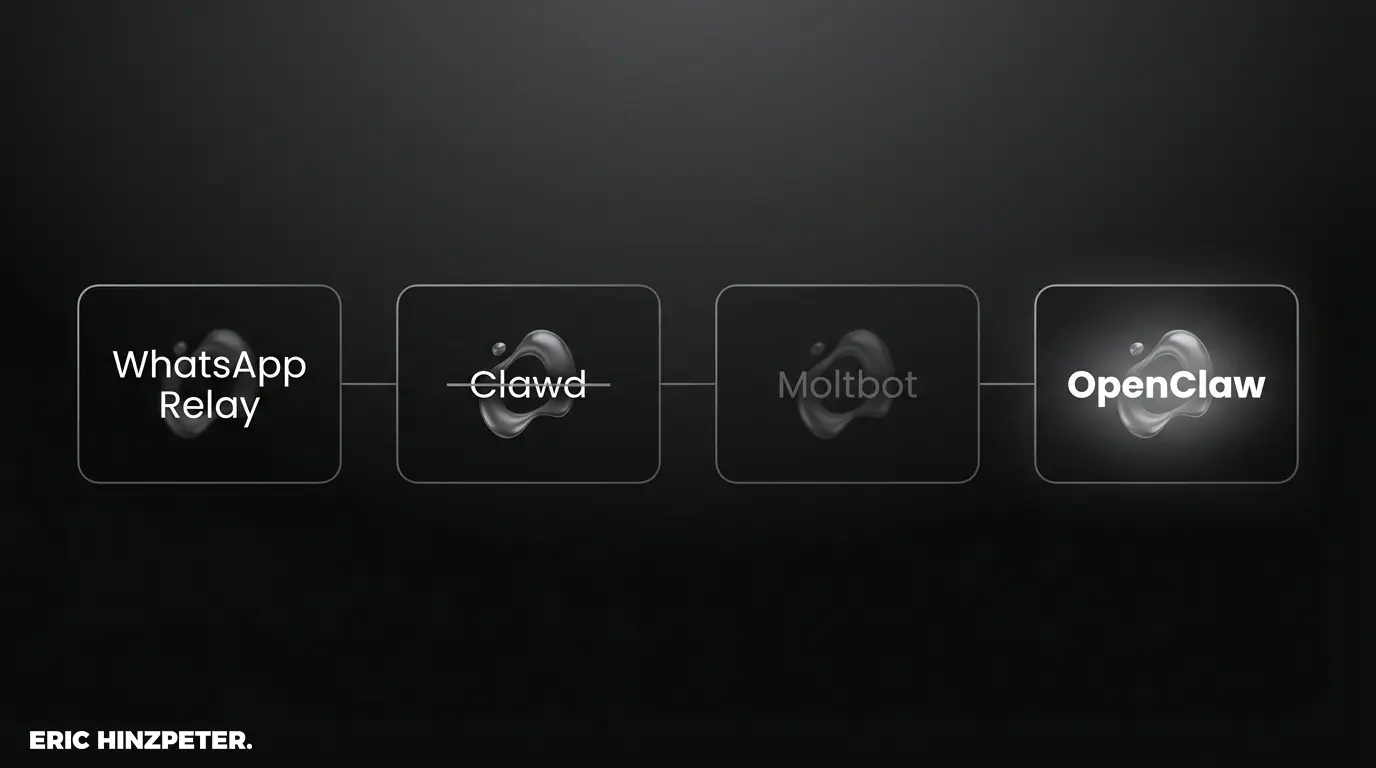
The history: from Clawdbot to OpenClaw
A quick history note in case you stumble across other names in old GitHub issues. The project ran under several labels at the start:
- Clawdbot (late 2025): A wordplay on Claude and a claw. Felt clever at first, until Anthropic's legal team kindly intervened.
- Moltbot / Molty: Came out of an early Discord brainstorm. "Molting" was the growth metaphor but felt clunky day to day.
- OpenClaw: The current name. Combines the open source idea with the original lobster metaphor. This time with proper trademark research and bought domains.
Features: email, calendar, and shell commands
The agent is far more than a WhatsApp relay now and integrates where you work:
- Messengers: Beyond WhatsApp and Telegram, OpenClaw now supports Signal, Slack, Discord, and iMessage through a single gateway process.
- Streaming: Community plugins for Twitch exist.
- Media: You can process documents and images directly in the web interface or through the messengers.
Under the hood, the system runs with local models (via Ollama) or OpenAI-compatible servers. That keeps you provider-independent. In practice you can write to the agent: "Block two hours tomorrow morning for deep work." OpenClaw runs that through the calendar API without you opening any interface. More on this in my glossary on Agentic AI.
Installation: running OpenClaw locally
Since OpenClaw follows a local-first principle, you carry the full admin responsibility. Setup runs through the official GitHub repository and has gotten more accessible thanks to new install scripts. Still, running it takes discipline.
Pro tip: use Docker or a VPS
Never install OpenClaw directly on your main machine if you allow shell access. Always use a Docker container or a dedicated VPS. That isolation matters for your safety.
Connecting messengers: WhatsApp, Telegram, and others
The actual compute happens on your server. The messengers are just your remote. That also means: if your server is offline, the bot is silent. Anyone looking for a clean setup without server maintenance is better off with cloud alternatives. For simpler tasks, my comparison of n8n and Make is worth a look.
The security question with shell access
When you let an LLM execute code on its own, you take on real risk. The developers have been working hard on machine-checkable security models, but prompt injection remains an unsolved industry problem. Never trust an autonomous system blindly with access to sensitive email or root rights. How to draw those lines cleanly is in my post on context engineering.
Community and outlook
OpenClaw has grown fast, and the community is currently looking for more sponsors and maintainers to manage the many pull requests. The project shows clearly that personal AI assistants are getting more usable in everyday work this year, as long as the architecture stays safe. I recommend installing the system in an isolated environment and testing your own workflows. But keep an eye on your logs.
FAQ
- What is OpenClaw?
- A local-first, open-source platform for autonomous AI agents that runs on your own hardware with your API keys and data. Formerly called Clawdbot, it started as a WhatsApp relay and now connects to many messengers and can act through calendar, email, and shell commands.
- Is OpenClaw safe to run?
- Only with isolation. Letting an LLM execute code carries real risk, and prompt injection remains an unsolved industry problem. Never install it directly on your main machine with shell access; use a Docker container or a dedicated VPS, and keep an eye on your logs.
- Does OpenClaw need the cloud?
- No, that's the point: compute happens on your own server using local models via Ollama or OpenAI-compatible endpoints, so you stay provider-independent. The tradeoff is admin responsibility, and if your server is offline, the agent goes silent.