NOTE· 2026-01-02· 4 min
AI Photography: Is This the End of Photography?
Photoshop 2026 changes the production logic: stop manipulating pixels, let AI work with context. What that means for photographers and agencies.
The current shift in digital image editing marks a systemic change. Where earlier updates often delivered only incremental tool improvements, Photoshop 2026 redefines the production logic. It's no longer primarily about manual pixel manipulation but about context and semantics through AI-driven image editing.
Technology alone doesn't optimize a process. Relevance only emerges through clean integration into existing workflows. A look at version 2026 shows Adobe has left the experimentation phase. The focus is on efficiency, scalability, and the legal certainty that matters to agencies.
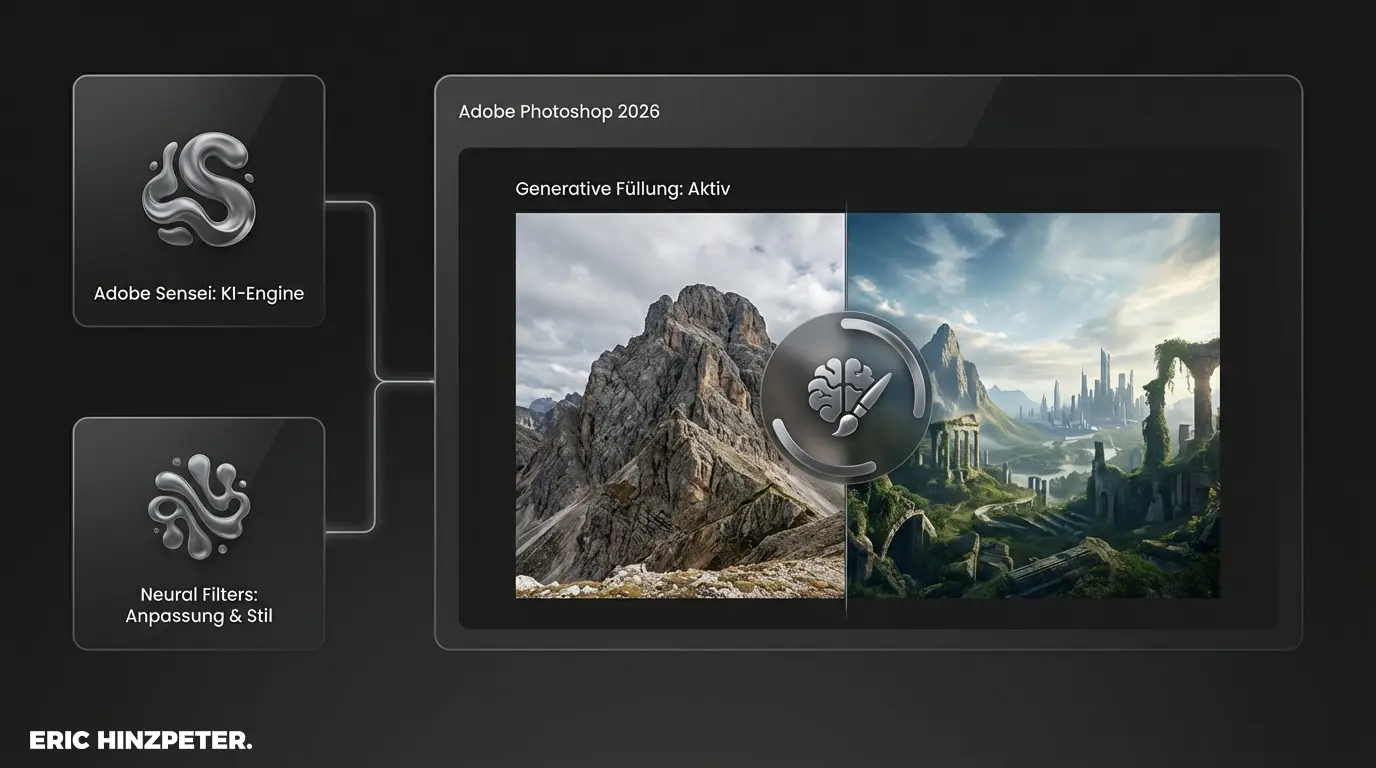
Overview: the central AI components
Adobe bundles the intelligence under the Adobe Sensei label. For day-to-day production in 2026, three pillars define the workflow. This isn't creative play, it's measurable time savings.
- Generative Fill: The tool for adding or removing content via text prompt.
- Adobe Firefly Image 3 Model: The technical base for photorealistic results and commercial safety.
- Neural Filters: Specialized algorithms for complex retouching like skin smoothing or colorization.
System check: efficiency
Analyze your recent projects: where were the biggest time sinks in manual retouching? Use the AI tools at those points first to realize the update's ROI directly.
Generative Fill: extended production capacity
Generative Fill is the heart of retouching by now. The logic is efficient: a selection defines the area, a text command the content. The system analyzes light, perspective, and depth of field and integrates the new object into the scene.
In the 2026 version, resolution was raised significantly. You can now generate assets at print quality. Steering happens through the contextual task bar, which cuts click paths. Compared to the manual clone stamp, this is a real efficiency gain.
Legal certainty through Adobe Firefly
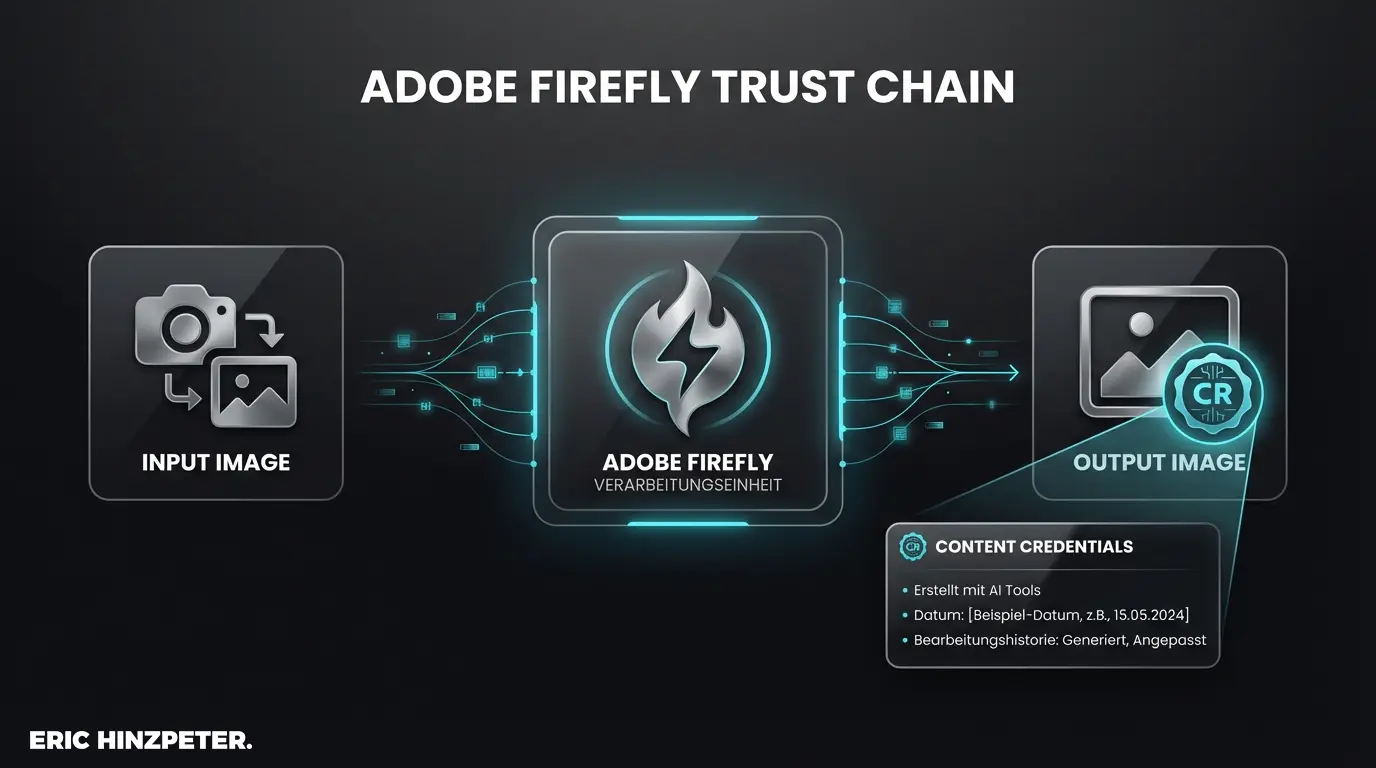
In the background, Adobe Firefly runs. Unlike open-source models, Adobe takes a different approach: training ran exclusively on Adobe Stock images and rights-cleared material.
That matters for professional use. A key element is Content Credentials. These digital content certificates are embedded into metadata automatically and document which parts of an image are AI-generated. For commercial use, that's often a hard compliance requirement.
Neural Filters: systematizing retouching
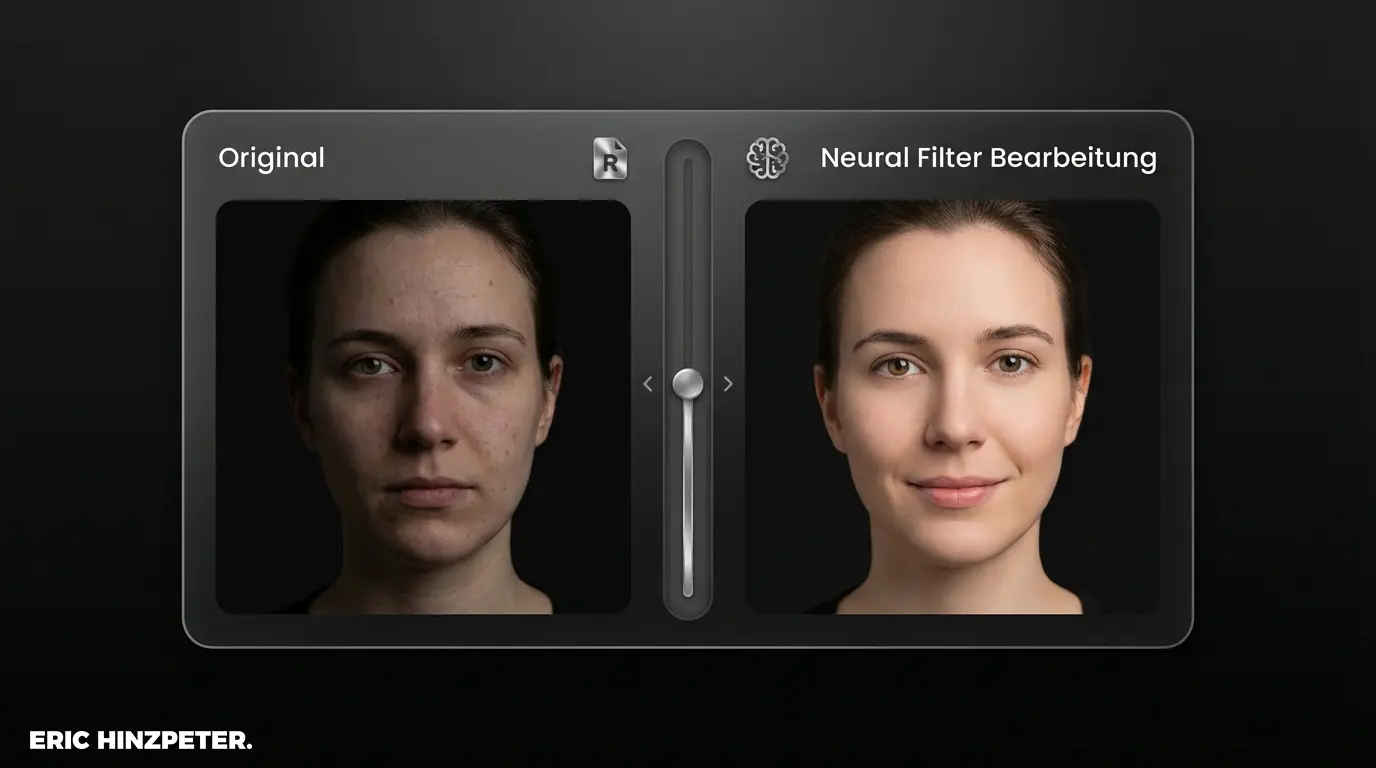
While Firefly generates new pixels, Neural Filters optimize existing material with machine learning. They systematize operations that used to require elaborate masking.
Features like "Smart Portrait" or sky replacement work with a precision that requires little manual rework. When the task is to improve general image quality, for example through noise reduction, these filters draw on cloud compute to spare local resources.
Workflow optimization: away from routine tasks
The shift is from "creative AI" toward "productivity AI". In operational work the goal is the most efficient path to approval.
- Generative Expand: The outpainting tool extrapolates image content logically beyond the edges. That makes fast format adaptation possible (e.g., from landscape to social media portrait) while keeping texture structure.
- Remove tool: This tool generates new content to fill gaps instead of just copying pixels. Essential for complex backgrounds, since it recognizes line work and continues it logically.
In practice: the logic behind good prompts
The prompt input is the interface between idea and result. Abstract terms rarely hit the goal; the system needs context. Instead of "dog", a precise description ("Golden Retriever, sunset, backlight, photorealistic") leads to far fewer iterations.
Insight: prompt engineering
Good prompts follow clear rules. For deeper structure, the prompt engineering glossary has the framework.
Bottom line: strategic competitive edge
Photoshop 2026 shows: AI is no longer a gimmick. For professional users the update is unavoidable, not because of new effects, but because of the time savings on routine work.
Anyone willing to adapt workflows and accept prompting as a new skill will benefit from this system upgrade. Anyone sticking with purely manual editing will find that the competition operates more efficiently every day.
FAQ
- What's new in Photoshop 2026?
- Improved Firefly models for higher resolution, more precise masking, and new Neural Filters for automated portrait editing.
- Is using AI images legally safe?
- Yes. Through training on Adobe Stock and the automatic embedding of Content Credentials, commercial use in professional settings is covered.
- How do I activate the AI features?
- The features are integrated natively. Generative Fill appears automatically with selections, and Neural Filters sit in the corresponding filter menu.