NOTE· 2026-01-02· 4 min
Custom GPTs: Benefits and How to Build Your Own
AI projects fail when standard models don't know your processes. Custom GPTs turn ChatGPT into a specialist that follows your rules.
AI projects often fail at a simple hurdle: they're too generic. A standard model knows a lot, but lacks deep understanding of your internal processes. Custom GPTs help here. They turn ChatGPT into a specialist that knows your internal rules.
No one asks anymore whether we use AI, but how we build it in. With models like GPT-5, we're long past the simple chatbot. We build assistants that think along and take over entire workflows.
What custom GPTs actually do
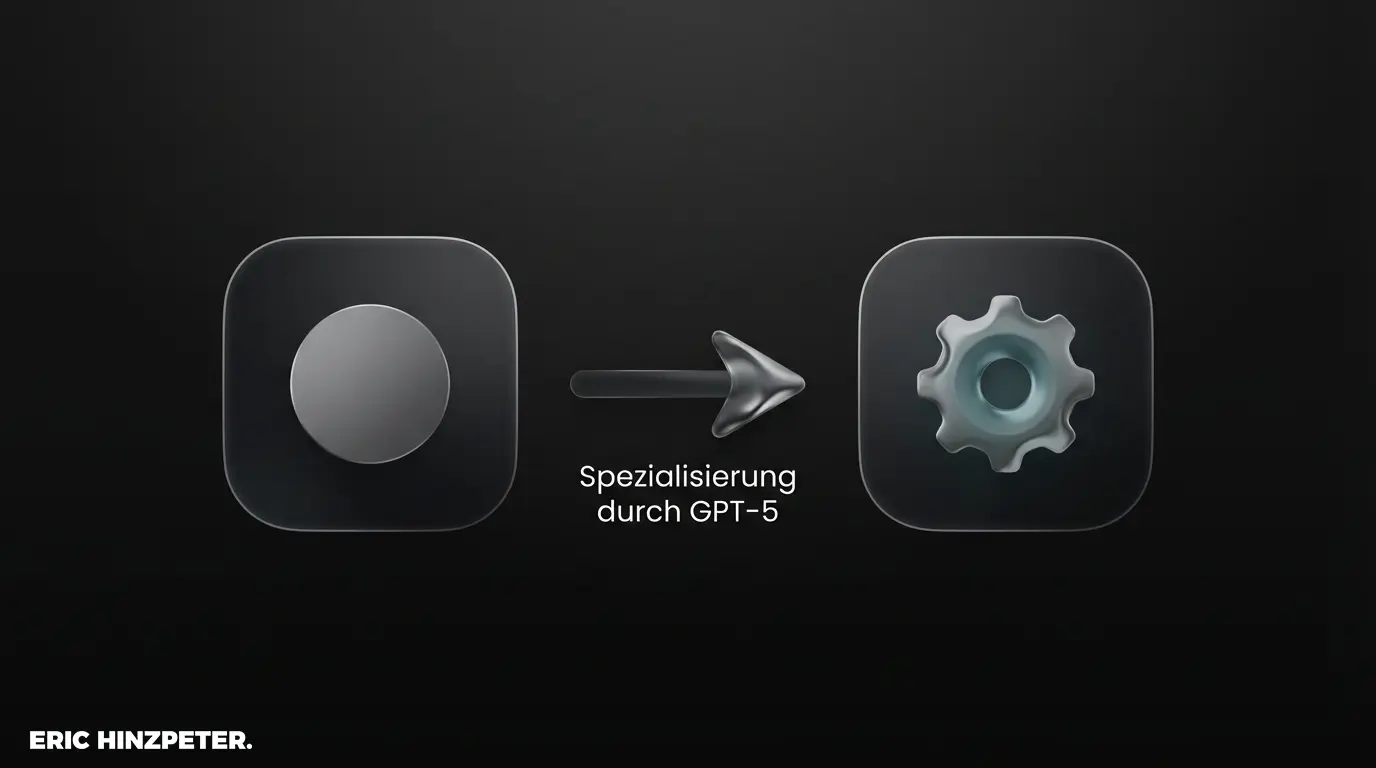
Simply put: custom GPTs are your own ChatGPT versions for a fixed task. The standard chat can do a bit of everything; your custom GPT can do one thing really well. You define exactly what the bot knows and what it's allowed to do.
In the background, the strong tech of GPT-5 runs, but the model only uses your protected data. The biggest benefit is reliability. A custom GPT doesn't break character, it sticks strictly to your specs. You need a Plus or Enterprise account for it.
If you want the technical detail: check my explainer on tokens and LLMs.
Why custom GPTs pay off
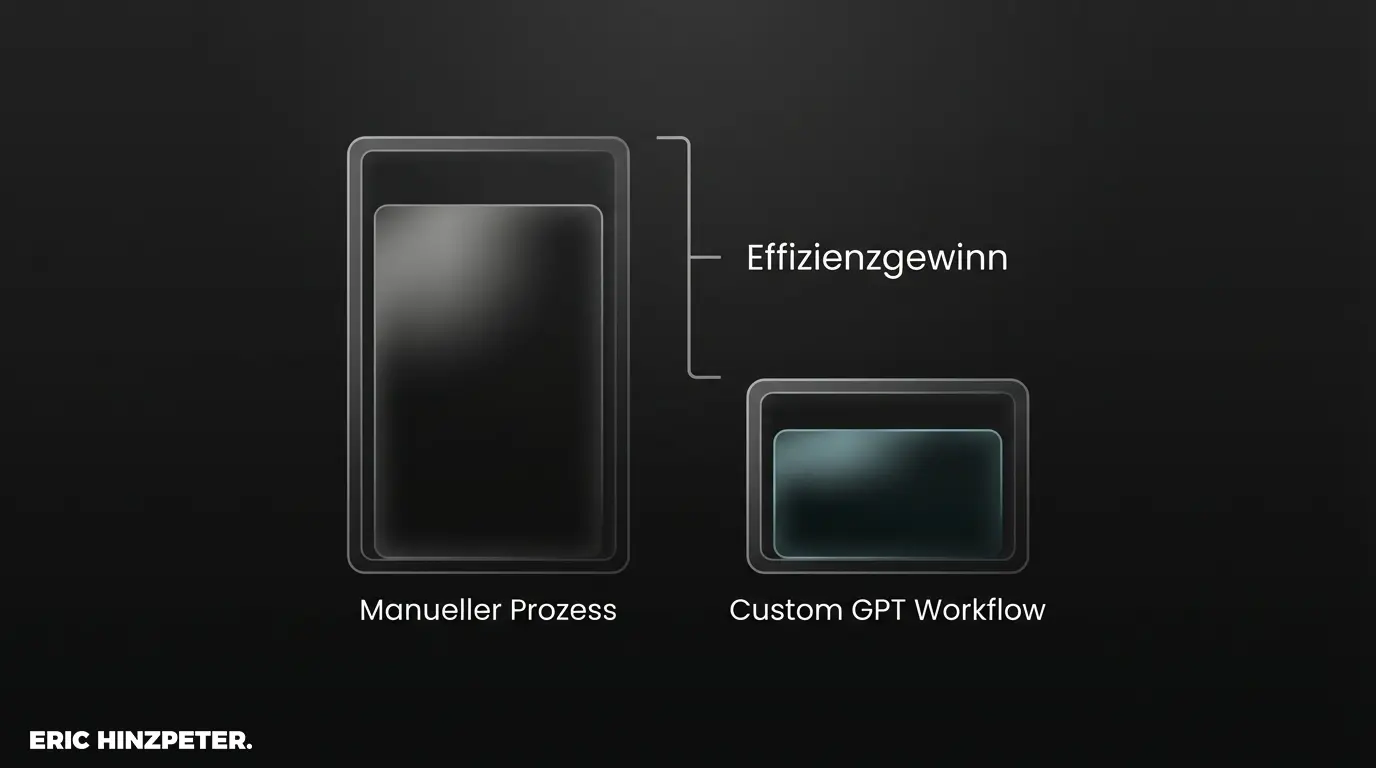
Building your own GPTs isn't a gimmick. The point is saving real time and making processes smoother. These four points make the difference:
1. Offload routine work
Once set up cleanly, the GPT takes over annoying repetition for you. Whether you analyze reports or write standard text. You save time because you don't have to explain every time what the system should do.
2. Use your own knowledge
You can feed your custom GPT with your own PDFs or tables. Instead of guessing wildly, the model delivers answers based on your own data. Gold for internal wikis or support bots.
3. Safe data
If you set the options correctly, OpenAI doesn't use your data for model training. In Enterprise tiers especially, everything stays strictly confidential.
4. Build without code
The best part: you don't have to code to build a custom GPT. Through simple instructions, you make sure the results reliably meet your quality standards.
Pro tip: draw the lines
Current models trend strongly toward agentic AI. They want to plan tasks on their own. Practical, but risky. Set tight limits in your instructions to keep control.
How to build your own GPT
The GPT Builder itself is easy to use. The real work sits in writing the logic cleanly in text. Best path:
Step 1: open the builder
Click "Create" under "Explore GPTs" in the menu. Useful: the GPT system helps you start and turns your ideas into first drafts.
Step 2: set the rules
Switch to the "Configure" tab. Here you write your system prompt. Be as specific as possible: "You are a technical analyst. Use only the documents I give you." To go deeper, read my prompting basics.
Step 3: upload data and activate features
Under "Knowledge" you upload your reference files. Activate tools like web search or canvas mode while you're at it. The Code Interpreter mainly helps when you want to analyze data.
Step 4: connect external tools
This is where it gets interesting. Through "Actions" you connect your GPT to other software. That builds a tool that looks into your CRM on its own or schedules appointments.
Pro tip: test actions safely
When setting up actions, let the tool only read data in testing. Activate write permissions only when everything works. Otherwise the GPT meddles in your live system.
Where custom GPTs make sense
With current GPT-5 models you do much more than just generate text. Three examples from practice:
Editorial: Your GPT knows your style guide by heart and checks every new text for tone. Data analysis: You drop in a CSV file and the model builds fitting charts. No coding skills. Onboarding & support: New team members ask the bot questions, it pulls answers straight from the company wiki.
How to steer such use cases concretely, I cover in the post on prompt engineering.
The most important takeaway
We're at the point where AI tools do real work. If you start now casting your processes into custom GPTs, you save a huge amount of manual work later. The best teams aren't defined by expensive software anymore, but by how well they train their own AI helpers.
FAQ
- What is a custom GPT?
- A custom version of ChatGPT built for one fixed task. It runs on the same underlying model but follows your instructions and uses only the data you give it, so it does one thing reliably instead of a bit of everything.
- Do I need to code to build a custom GPT?
- No. The GPT Builder is no-code: you write the rules in plain text, upload reference files under Knowledge, and optionally connect external tools via Actions. The real work is writing the logic clearly, not programming. You need a Plus or Enterprise account.
- Is my data safe in a custom GPT?
- If you set the options correctly, OpenAI doesn't use your data for model training, and Enterprise tiers keep everything strictly confidential. When connecting Actions, keep them read-only until everything works, so the GPT can't write into live systems.